Features
Everything you need to publish.
From manuscript to bookshelf — a complete production toolkit.
Ingestion
Import from anywhere
Bring in your manuscript however it exists — import from Google Drive, upload a DOCX, or start from scratch.
- Import directly from Google Drive
- Upload a Word document and start formatting immediately
- Guided project creation wizard
- Combine multiple sources into a single anthologyAuthor
Editing
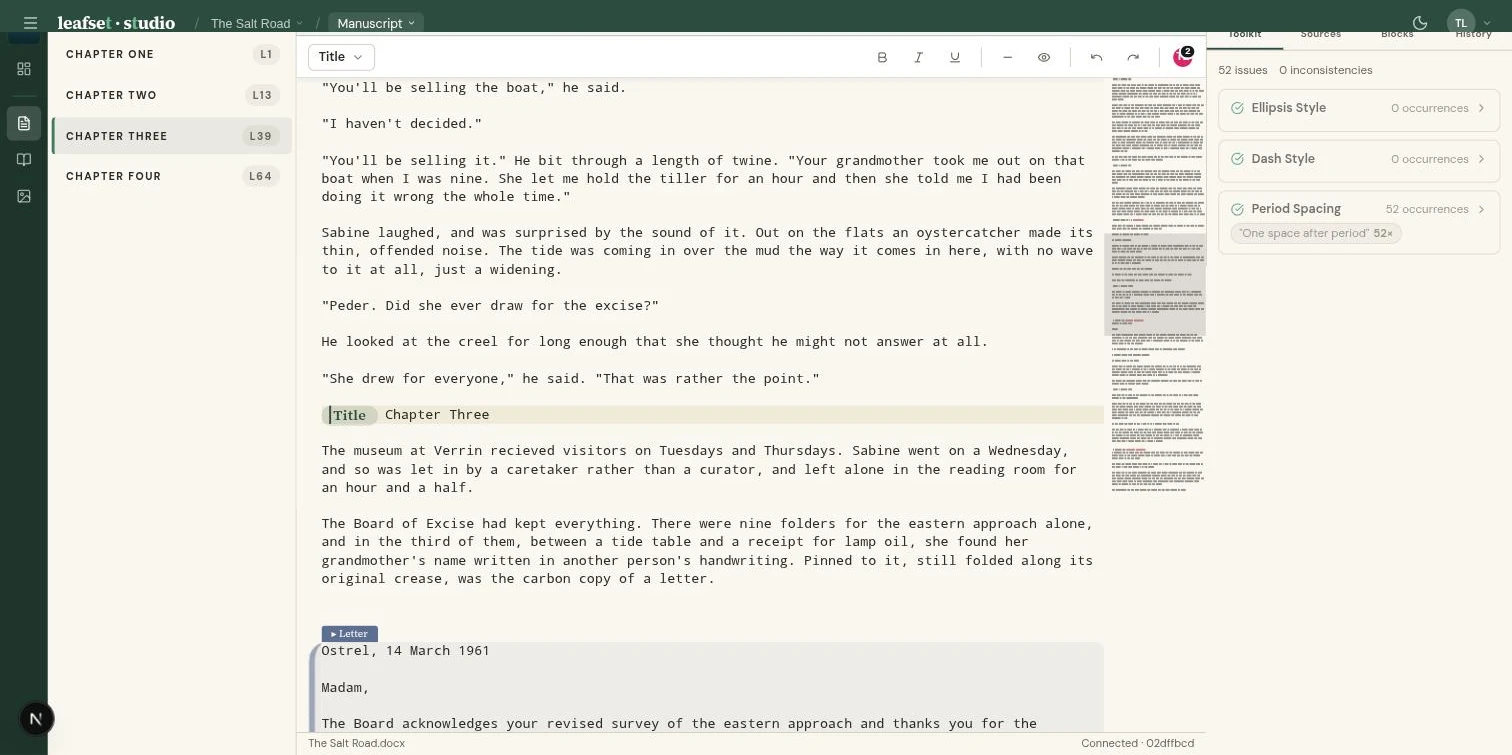
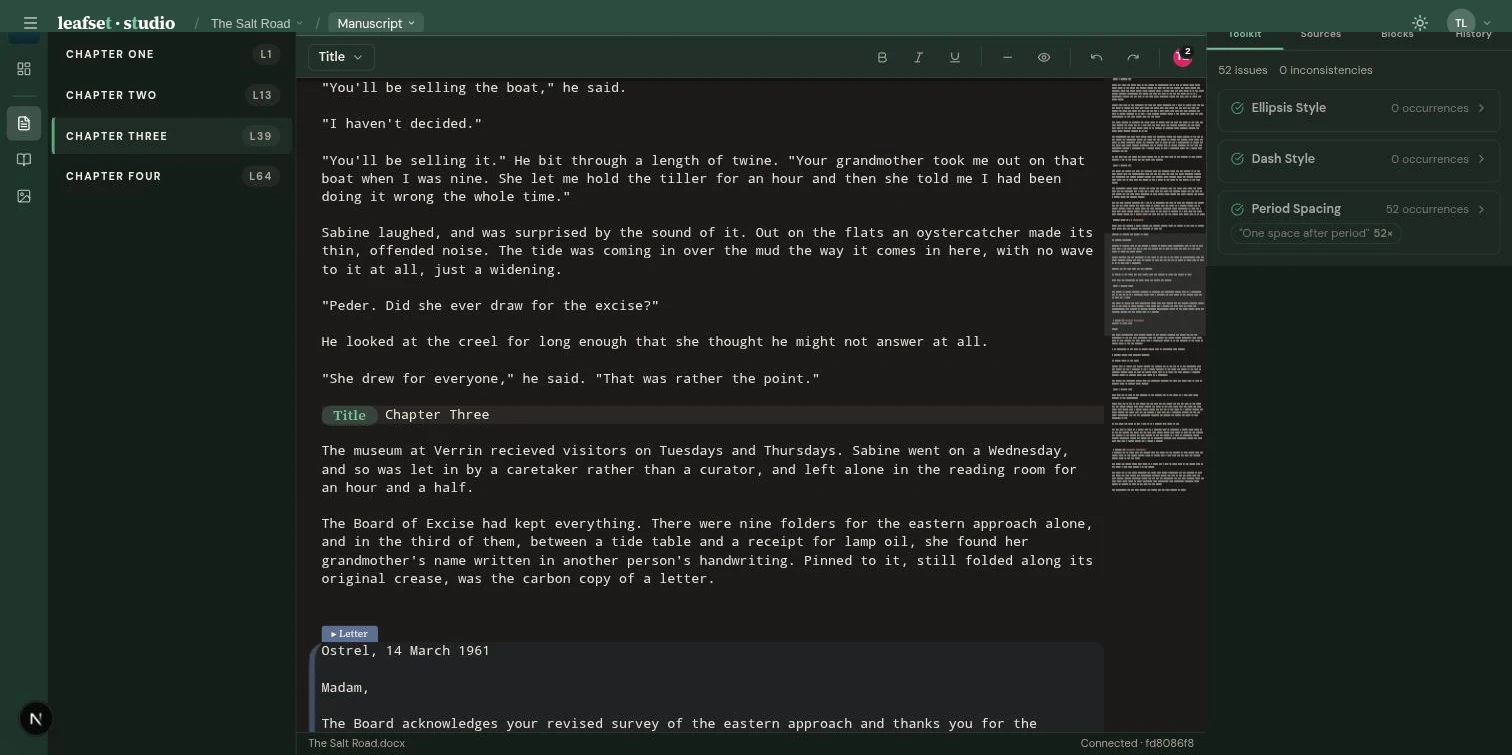
A proper manuscript editor
Write and edit together with the tools you need to produce a clean, consistent manuscript.
- Edit together in real time — see each other's cursors as you type
- Built-in spell check with a custom dictionary for your project
- Automatic consistency fixes for dashes, ellipses, and spacing
- Styled text blocks for letters, journal entries, and transmissions
- Chapter outline sidebar for quick navigation
Typography
Publication-quality typesetting
Professional typesetting that rivals traditional publishers — beautiful text layout with no manual tweaking required.
- Automatic text refinements: smart ligatures, small caps, balanced letter spacing
- Optically even margins that look polished on every page
- Mass market, trade, and royal format output
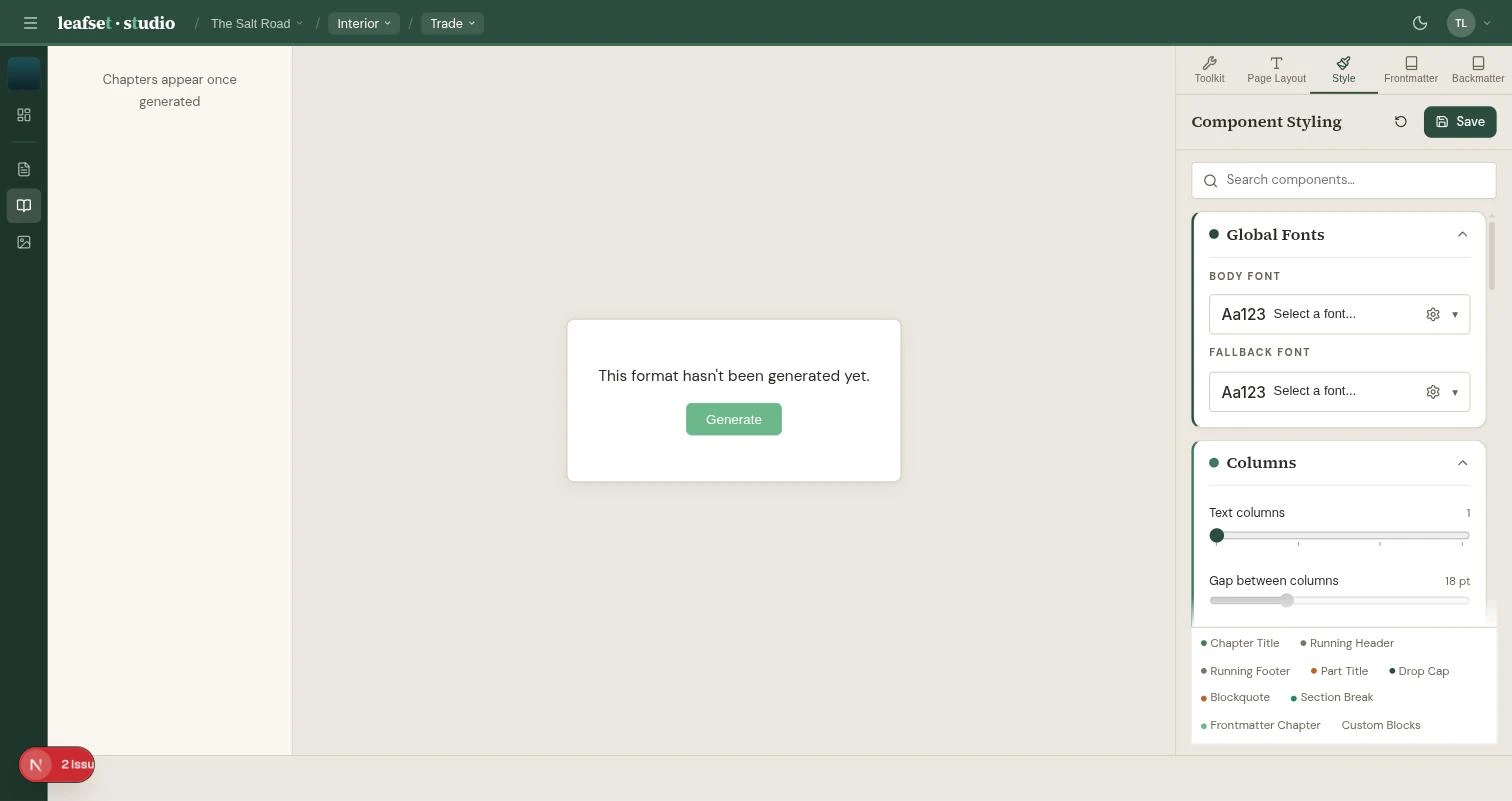
- Independent font size, line spacing, margins, and gutter controls per format
- See changes instantly with real-time PDF preview
Styling
Every detail, your way
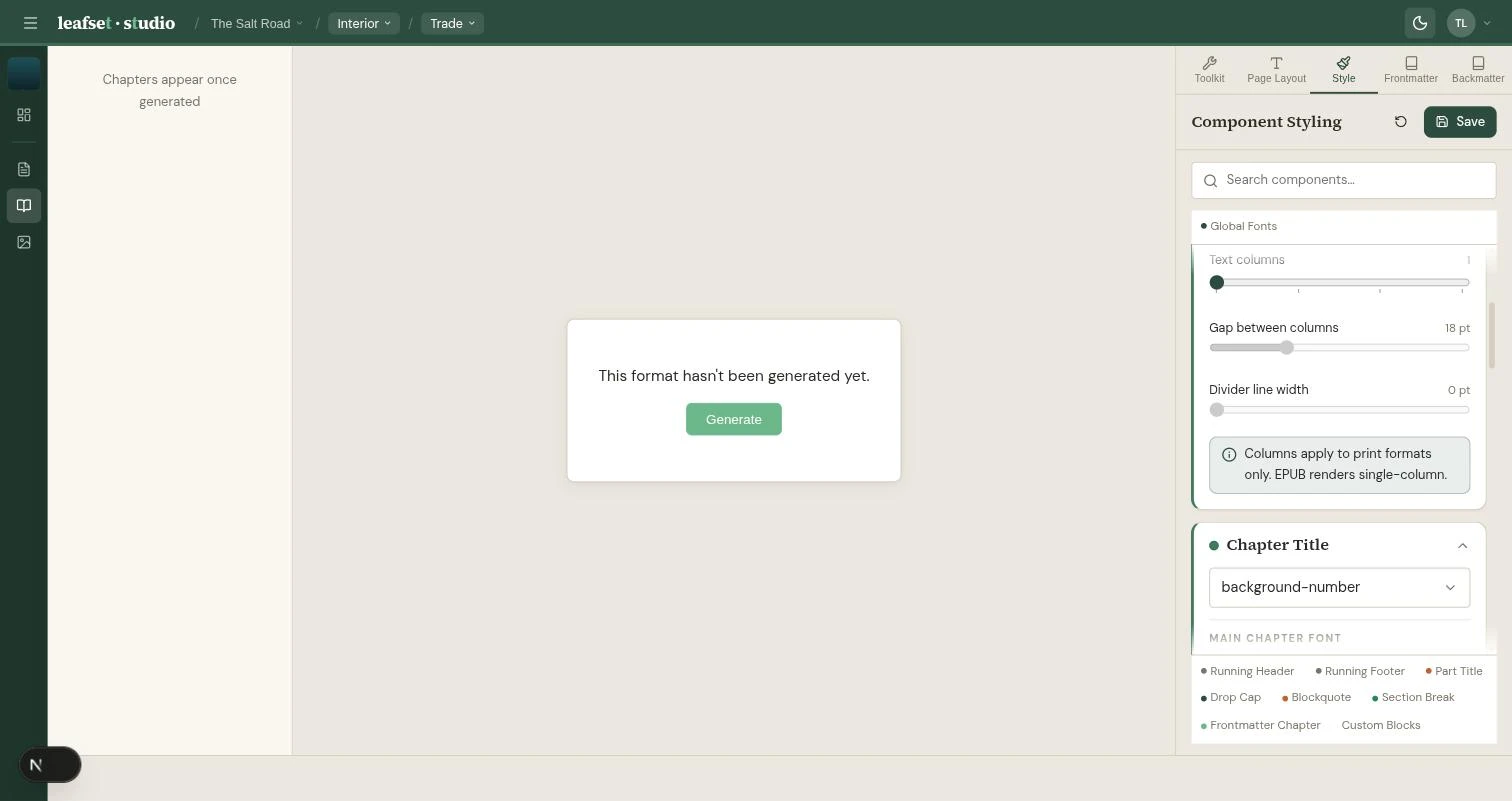
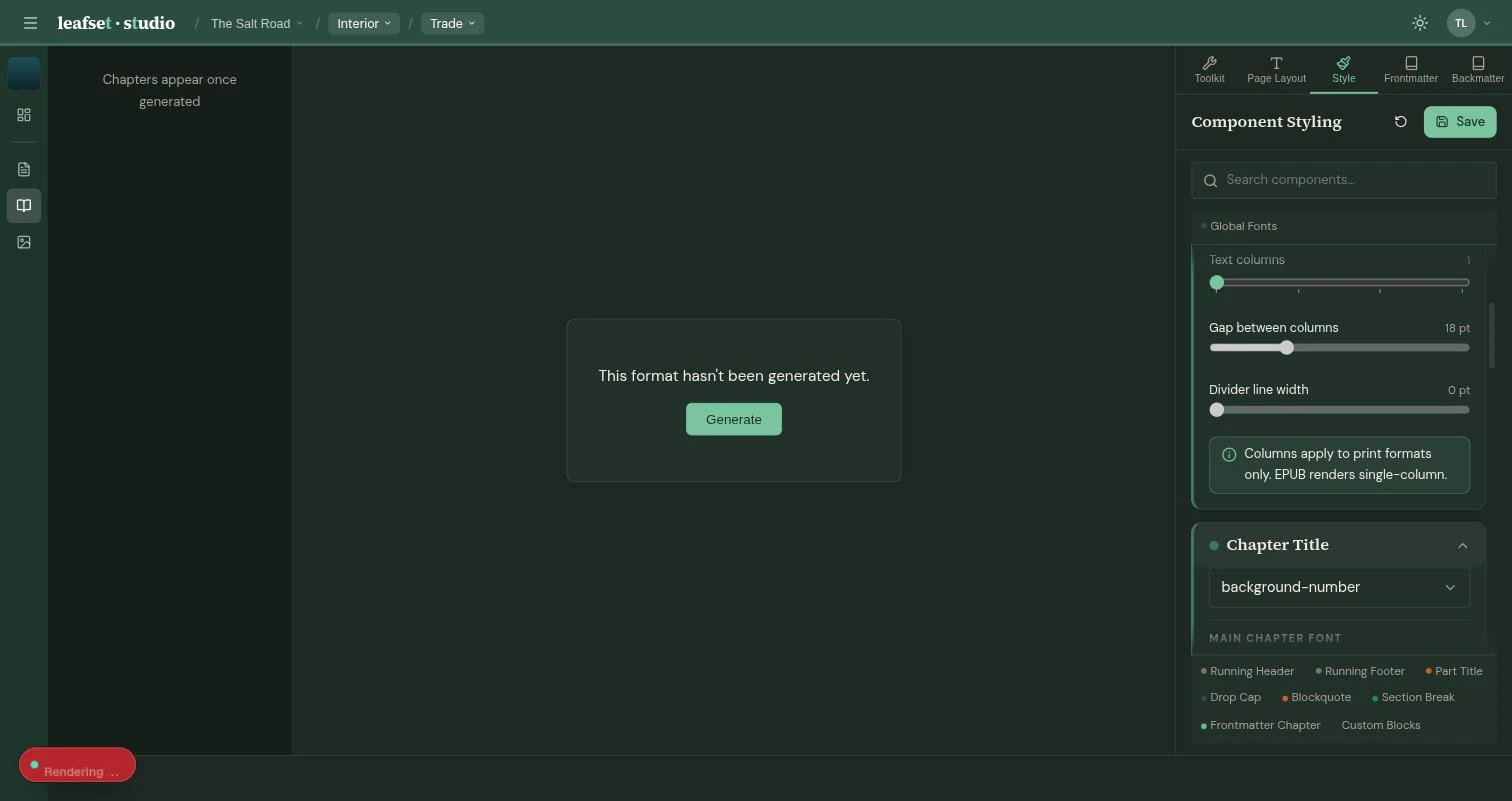
Choose from multiple chapter header styles, configure drop caps, running headers, section breaks, and epigraphs — each with deep customization.
- Five chapter header styles: centered, elegant, overline, background number, illustrated
- Configurable drop caps with independent font and sizing
- Four running header layouts with dynamic title and author text
- Scene break markers: asterisks, lines, waves, or custom images
- Create and apply your own custom themesAuthor
- Save and reuse themes across projectsAuthor Pro
- Override any style per format or per chapterAuthor
Cover Design
Design covers in your browser
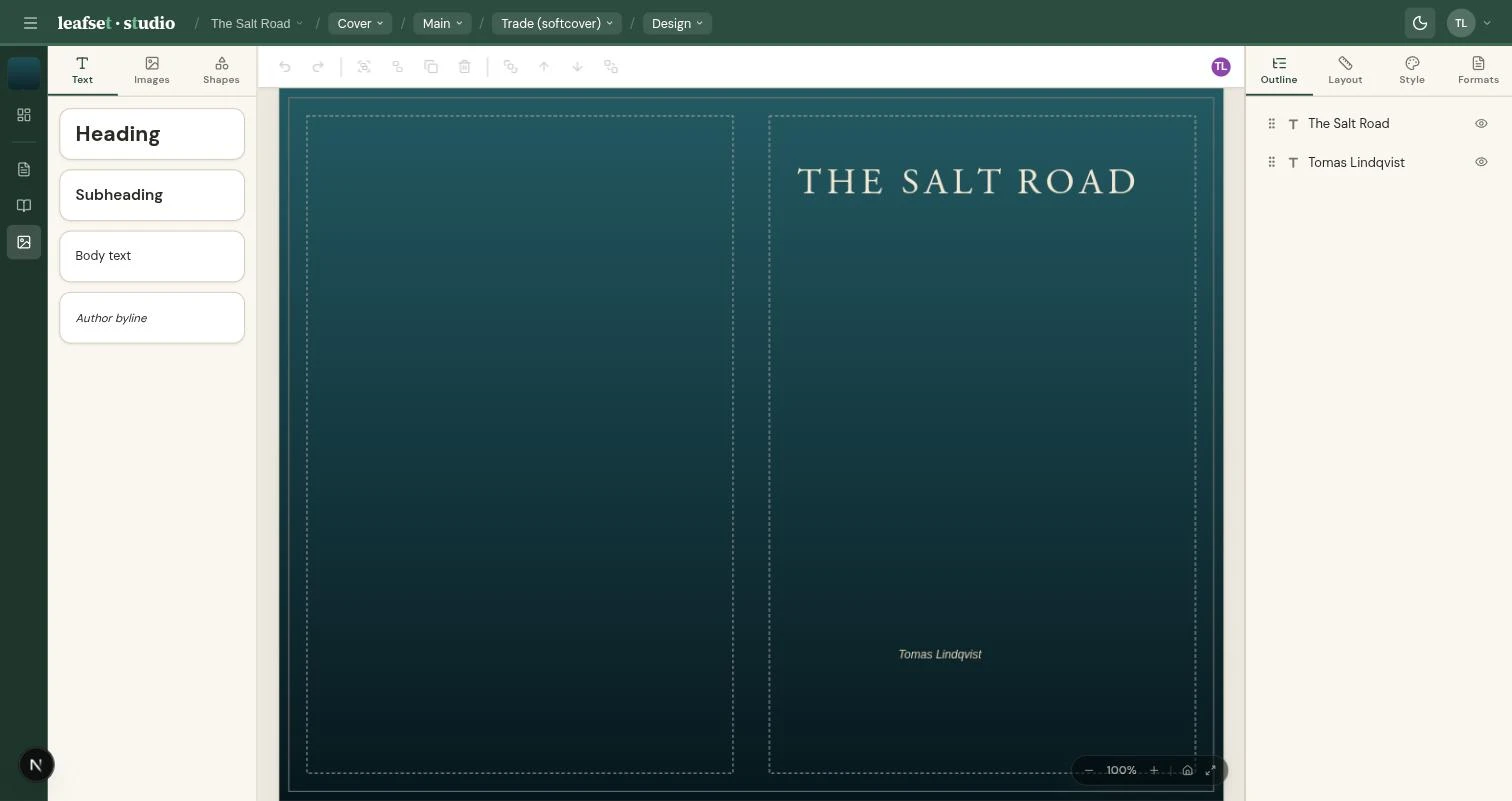
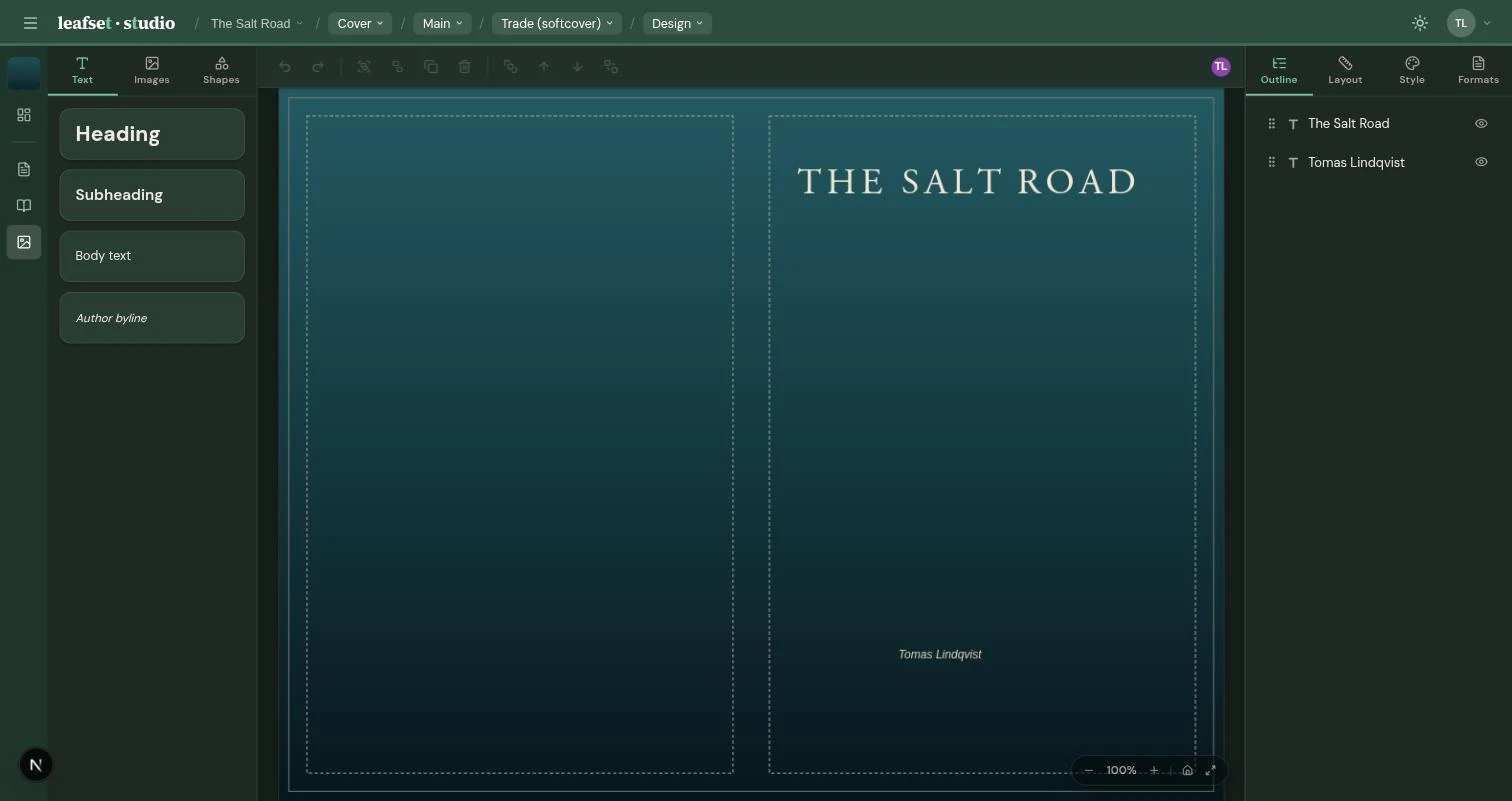
A full canvas editor with everything you need to design professional book covers.
- Text with rich formatting, gradients, reflections, and shadows
- Shapes, images, and non-destructive filters
- Layouts that adapt automatically between softcover, hardcover, and dust jacket
- Show or hide elements per format with smart positioning
- Design together with your cover artist in real time
Fonts
Any font, everywhere
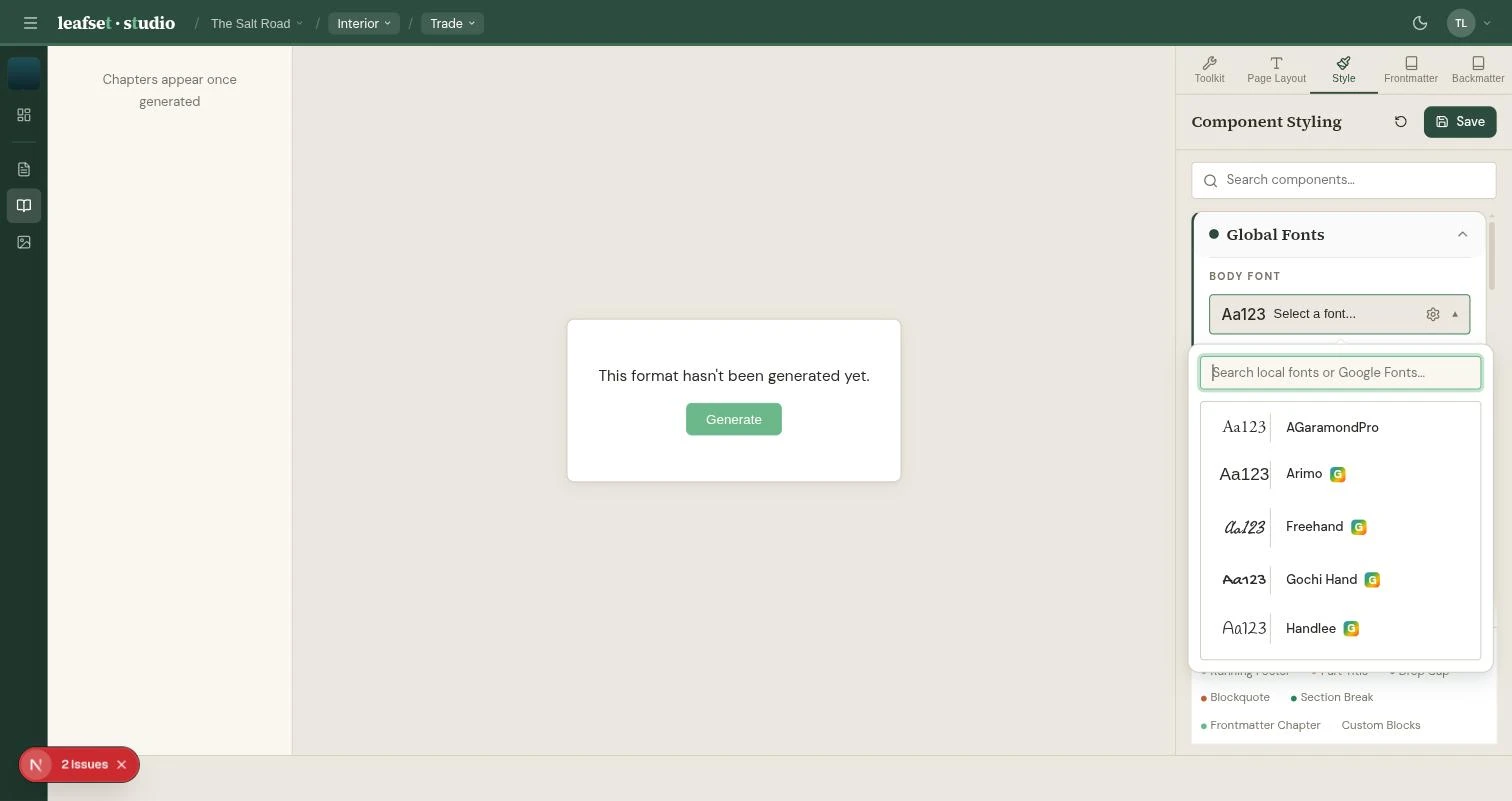
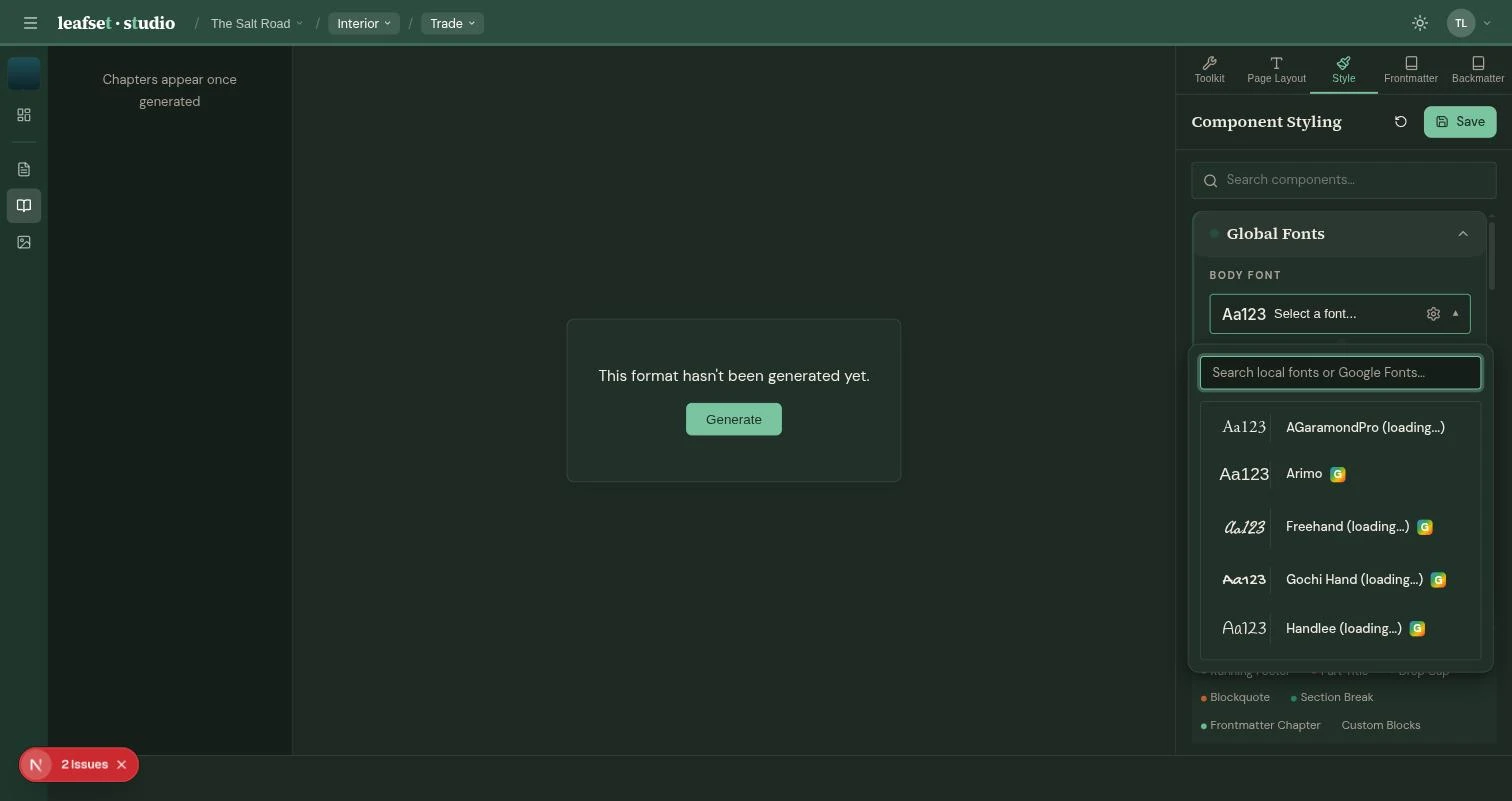
Browse Google Fonts or upload your own. Assign different fonts to every part of your book.
- Thousands of fonts available from Google Fonts with one-click install
- Upload your own fonts — we handle the rest
- Assign fonts to chapters, headers, body text, and more with live preview
- Fine-tune letter spacing, word spacing, weight, style, and casing
Output
PDF and e-book, ready to publish
Generate all your formats from one source with real-time progress and in-app preview.
- Generate multiple formats at once — no waiting between builds
- Preview your PDF right in the app with chapter navigation
- Right-click any element to jump to its settings
- E-book export with your cover and custom styling included
- Automatic detection of short pages with suggested fixes
- Print-ready PDF for KDP, Ingram, and other printersAuthor
Collaboration
Built for teams
Invite your team, assign roles, and work together in real time.
- Real-time collaborative editing — changes appear instantly
- Easy login with your existing account
- Share read-only preview linksAuthor Pro
- Track project progress: Formatting → Review → LiveAuthor Pro
- Team-wide roles: Admin, Writer, Timeline Editor, UserWorkspace
- Project-level roles: Admin, Interior Formatter, Exterior FormatterWorkspace
- Live client previews and branded proof exportsWorkspace
- Hand off finished projects to clientsWorkspace